Synchronize Resalib, Google Calendar, Outlook or iCloud with ReflexoLib
Many reflexologists already have a calendar: Resalib, Google Calendar, the iPhone calendar, Outlook… No need to re‑enter everything. ReflexoLib synchronizes bidirectionally in just a few minutes.
It all takes place in your practitioner area, page Calendar, button Synchronize my calendar.
1. Block time slots already booked elsewhere
Paste the private iCal address of your other calendar. ReflexoLib reads it regularly: time slots occupied there are no longer offered for booking on your profile. This prevents double bookings.
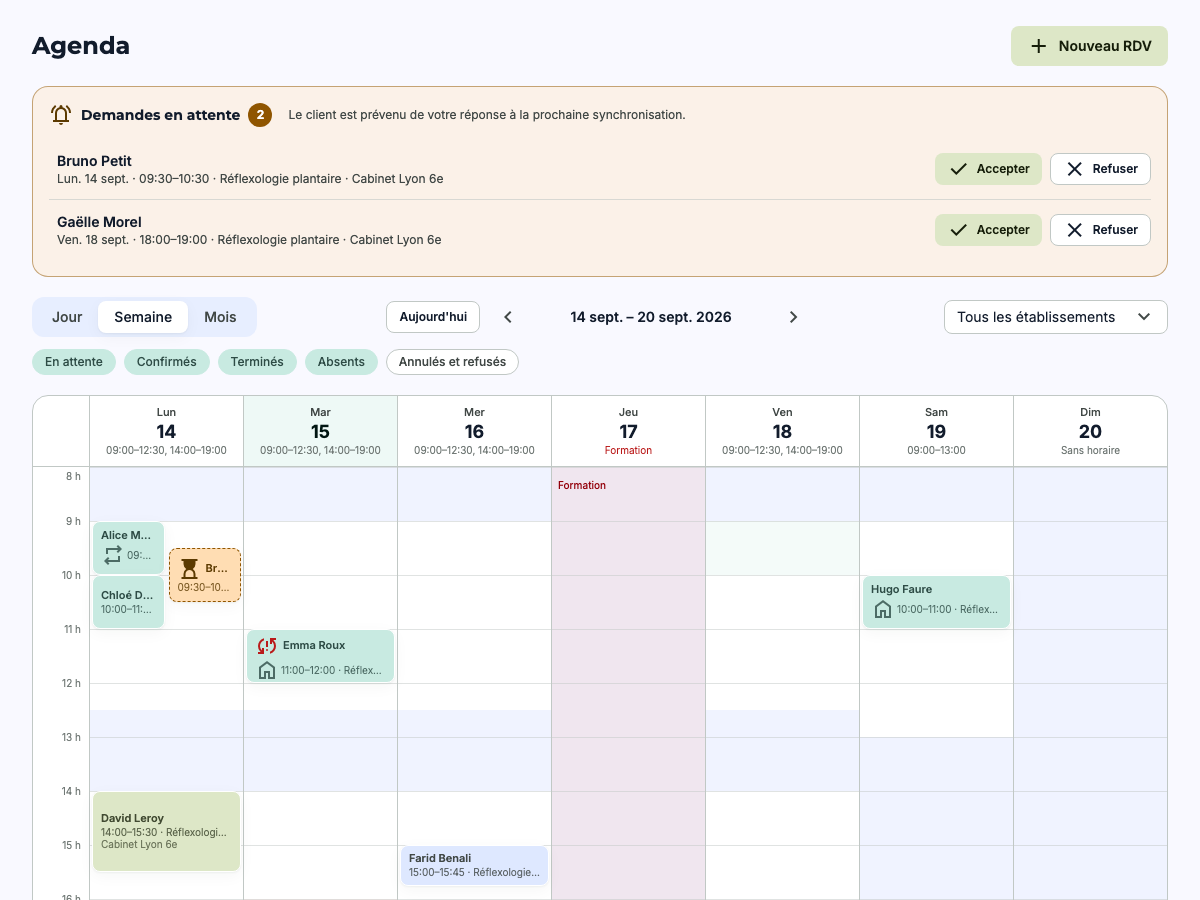
- Multiple calendars Resalib, Google, Outlook, iCloud, Proton…
- Protected address It is encrypted; only the service name is displayed
Where to find your calendar’s iCal address
- Google Calendar: calendar settings › “Secret iCal address”.
- Outlook.com / Microsoft 365: settings › Calendar › Shared calendars › Publish a calendar, ICS link.
- iCloud: share the calendar › “Public calendar”, then copy the link.
- Resalib and other software: look for “export iCal”, “ICS feed” or “synchronization”.
2. Retrieve your ReflexoLib appointments in your calendar
In the second part of the panel, enable synchronization to obtain your personal subscription link. Add it to Google Calendar, Apple Calendar or Outlook: every new booking, modification or cancellation appears there automatically.
A personal link
This link provides access to your appointments: please do not share it. Your clients' names are not included, only the service and the time. If in doubt, create a new link: the old one will stop working immediately.
Update delays
Subscribed calendars do not refresh in real time: Google, for example, updates subscribed calendars every few hours. On ReflexoLib, however, your availability takes into account imported calendars as soon as they are re‑read, and you can force a refresh from the panel.
Frequently asked questions
Do your clients see your other calendar?
No. Occupied slots are simply removed from the offered availability. The content of your events is never displayed on your public profile.
Can I stop the synchronization?
Yes, at any time, from the same panel: remove an imported calendar or deactivate your subscription link.